Day one: can Verploy work on this hosting? The connection check
2 min readBy the Verploy team
Every hosting is a little different. Firewalls, security plugins, file permissions and disk quotas all decide whether a tool can do its work. You do not want to find that out during the first update. So since version 2.21, Verploy checks it right after you pair a site.
What is checked
- Can Verploy reach the site?
- Can it talk to the Verploy Connector?
- Does data come back from the site (outgoing traffic)?
- Can files be updated?
- Is there room for a test copy?
The check only reads; it changes nothing on the site. You can run it again at any time from the site page with “Check connection”.
One fix per blocker
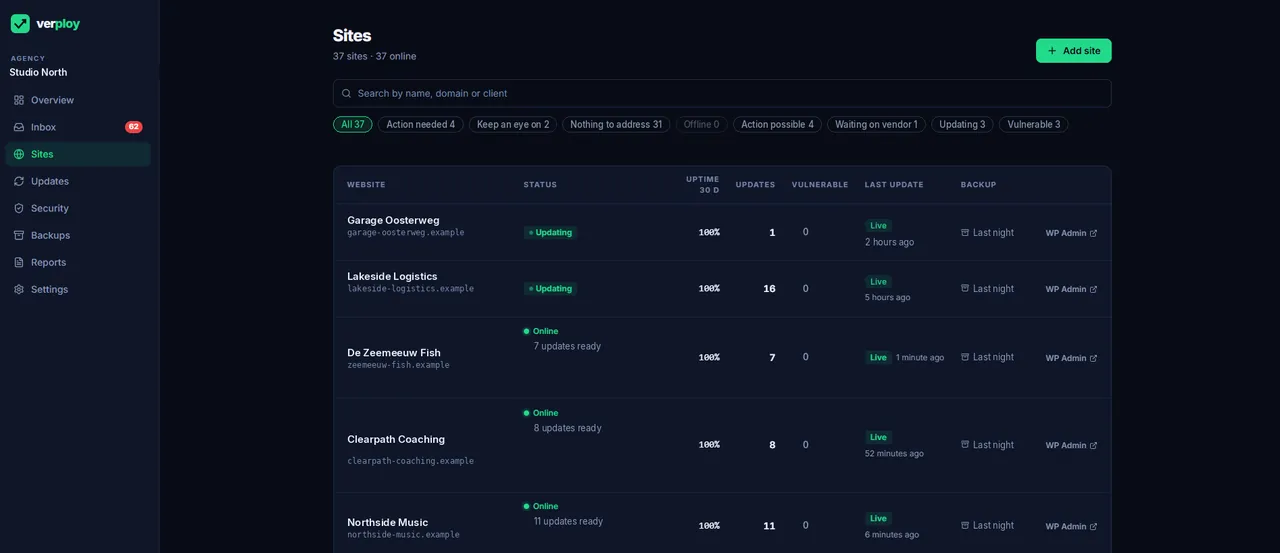
When something blocks Verploy, you do not get a technical error. You get one suggested fix and who can apply it: you, or the hosting company. The blocker also appears in your inbox, so it does not get lost.
Pairing, without guesswork
If WordPress reports from another address than the one you entered, for example with or without www, the pairing screen shows it and lets you adjust the address with one click. If nothing comes in after three minutes, the screen shows what to check.
Want to see it on your own sites? Start free on up to 3 sites, no credit card.