
Features
Everything WordPress maintenance needs. Nothing it doesn’t.
Verploy takes over the repetitive part of maintenance, from updating and checking to fixing and reporting, and leaves the decisions with you.
Safe updates
Every update is tested on a private copy of the site first. Only updates that pass go live, and the live site is verified right after. How safe updates work →
Automatic verification
Pages are measured before and after each update, on desktop and mobile: errors, missing elements, broken scripts and visual changes.
Automatic rollback
If a problem shows up after going live, files and database are restored from a snapshot, even when the update crashed the whole site.
Vulnerability management
Known vulnerabilities are matched to the exact versions on your sites and grouped per vulnerability. Security in Verploy →
Plain-language diagnosis
When an update is stopped, Verploy explains why: which plugin, what kind of error and what you can do about it.
Health monitoring
PHP version and end-of-life, SSL certificates, domain expiry, memory, disk space and uptime, with alerts before they become problems.
White-label client reports
Monthly PDF reports with your logo, colours and name, in your client’s language: English, Dutch, German, French or Spanish.
Premium plugin support
Premium updates are fetched through the live site’s own license, and exactly the tested package goes live.
Built for teams
Invite colleagues as owner, admin or member. The dashboard is available in five languages.
Operations cockpit
Verploy tells you what matters now.
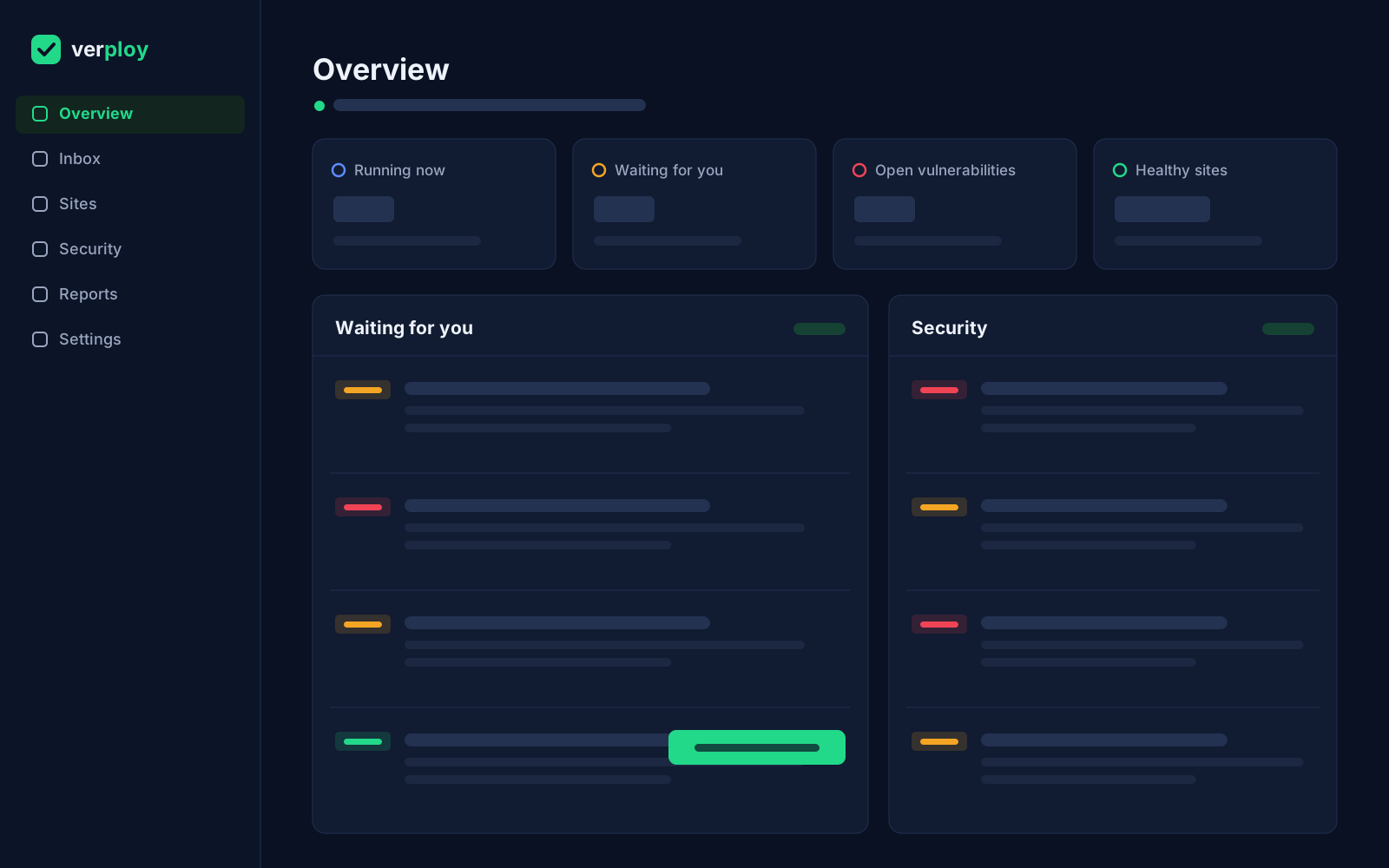
Not more dashboards. One screen that shows what is running, what is waiting for you and what Verploy already handled.
Healthy sites
Checked and up to date. Nothing to do.
Running now
Updates in progress, with live progress per site.
Waiting for you
Only the decisions that need a human.
Open vulnerabilities
Grouped, prioritised, with a fix when one exists.
Recently resolved
What Verploy handled in the last 24 hours.
The difference
Traditional maintenance vs. Verploy
The same work gets done. Verploy just does the checking, every time, and stays quiet when there is nothing to decide.
| Traditional maintenance | With Verploy |
|---|---|
| Review every update by hand | Verploy analyses each update |
| Update the live site and hope | Test on a copy first |
| Click through the site to check | Automatic verification, desktop and mobile |
| Fix problems yourself, under pressure | Automatic rollback of files and database |
| Chase vulnerability lists | One decision per vulnerability, across sites |
| Lots of notifications | Only asks for attention when needed |
| Write client reports by hand | White-label reports, sent automatically |
Spend less time checking WordPress.
Let Verploy do the maintenance work.
Launching soon. Founding spots: 40% off, for life.