Findability in Google: catch the one setting that hides a site
2 min readBy the Verploy team
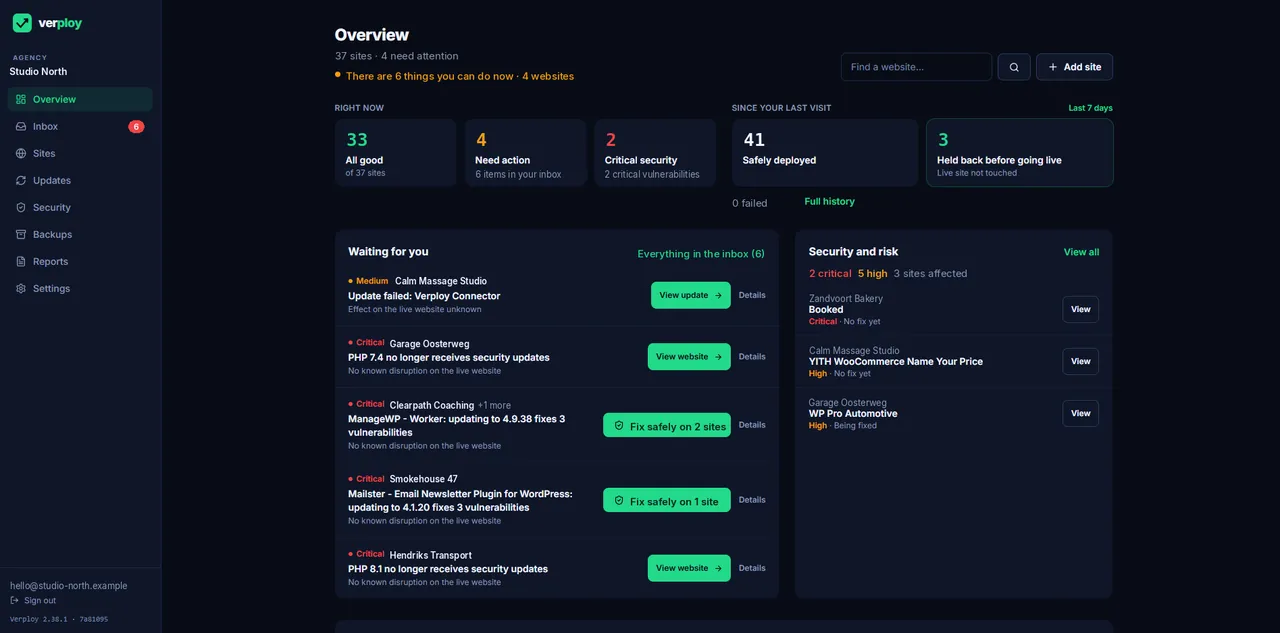
One checkbox in WordPress can make a whole site disappear from Google: “Discourage search engines from indexing this site”. It is ticked during development, and sometimes nobody unticks it at launch. Or a plugin update changes a setting. Weeks later, the client asks why their traffic dropped.
What Verploy checks
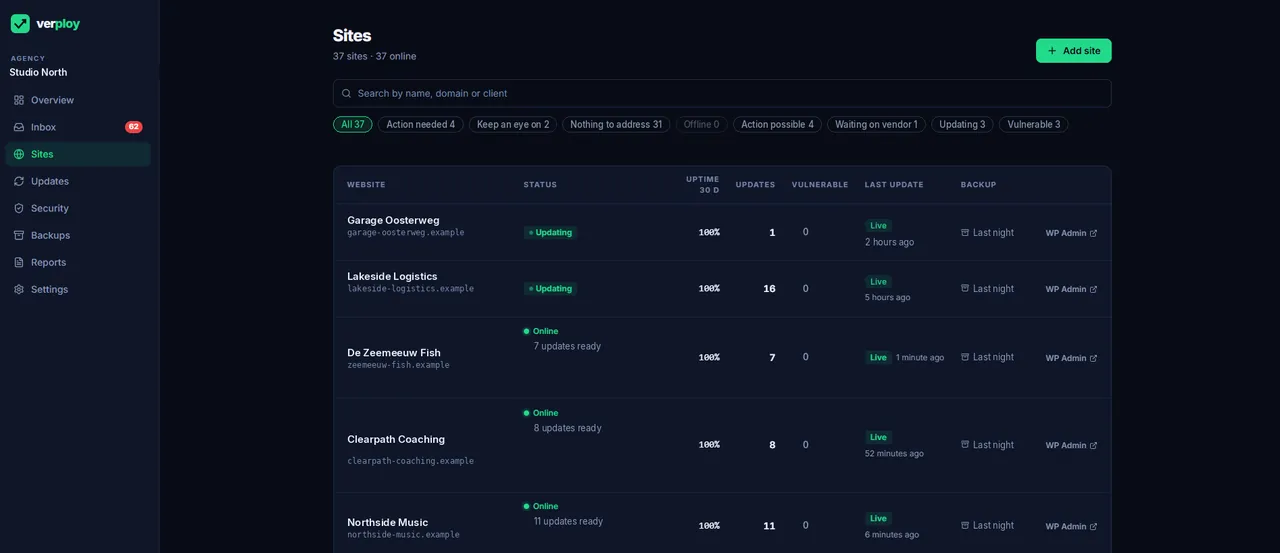
Every day, as part of the same Google PageSpeed measurement, Verploy checks the SEO basics of each homepage: title, description, whether indexing is allowed, canonical, robots.txt, hreflang, link texts and crawlable links. You get an SEO score and the checks that did not pass.
The alert that matters
If a homepage is told to stay out of Google, Verploy raises it as an alert: “Homepage invisible to Google”. That is the one you want to hear about the same day, not after a month.
Honest about the scope
These checks cover the homepage, not every page of the site. They are the basics that catch the most expensive mistakes. Findability is also in the monthly client report.
Want to see it on your own sites? Start free on up to 3 sites, no credit card.