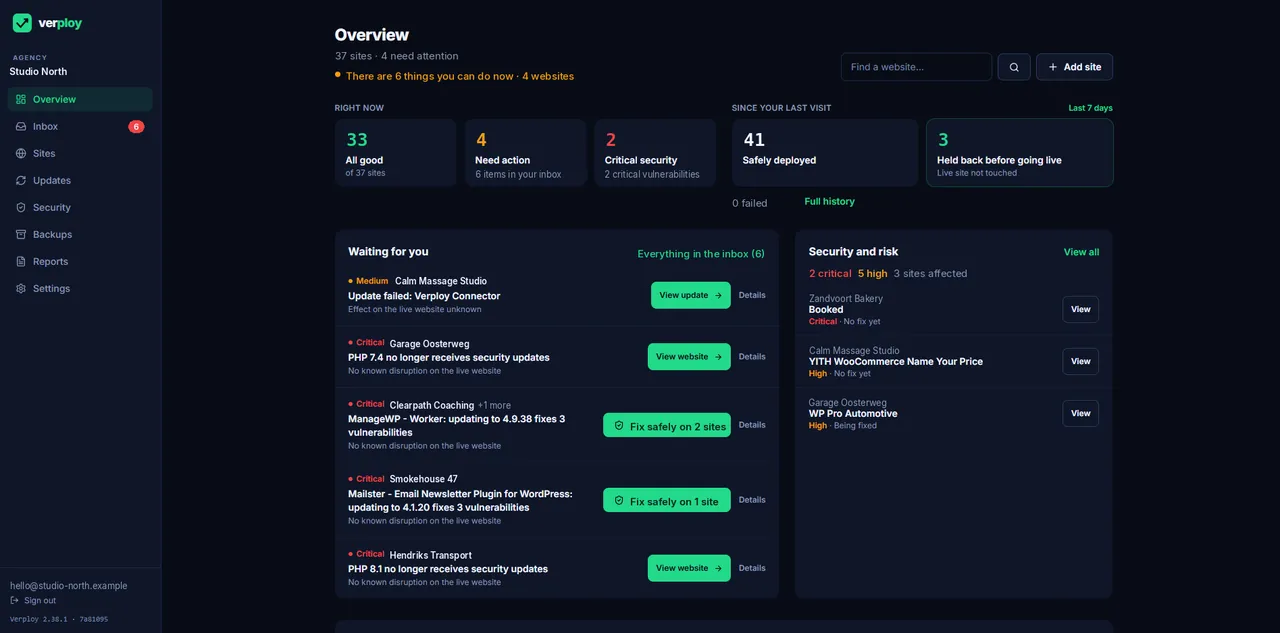
Know the risk before you click: risk per update, explained
2 min readBy the Verploy team
Not every update is the same. A small fix release of a plugin that has updated cleanly for months is not the same as a major version of your page builder. Verploy shows that difference before you click.
Low, medium or high
Every pending update gets a risk level with the reasons behind it. The reasons are concrete:
- The licence is not active, so the update may not be available.
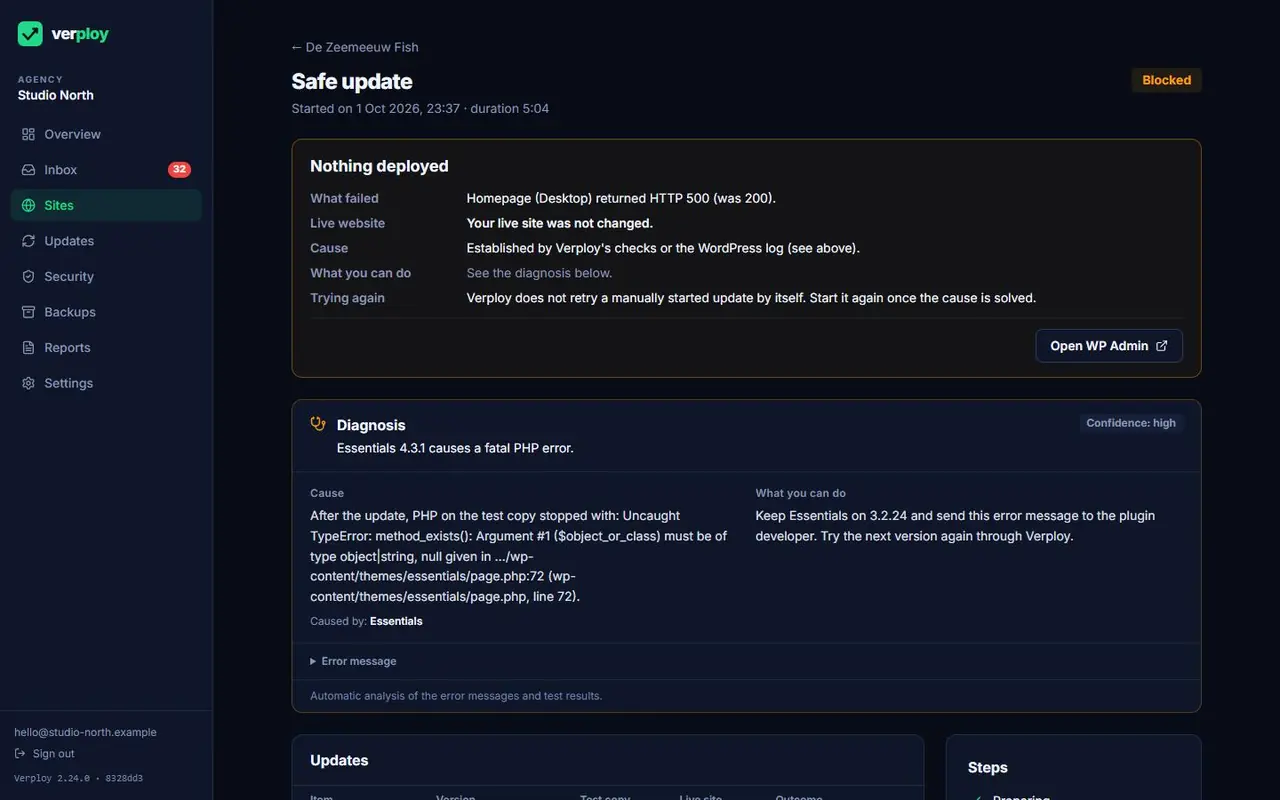
- The update failed on this site before, or was rolled back.
- It is a major version jump.
- It failed elsewhere: Verploy tells you on how many of how many sites.
Combination warnings
Some updates are fine on their own but break in combination with a certain theme or page builder. When Verploy has seen a version break elsewhere together with the same theme or builder, it warns you before you start.
Why it matters
Risk does not decide everything; every update is still checked. But it tells you where to look first, and why an update did not just go through.
Want to see it on your own sites? Start free on up to 3 sites, no credit card.