Premium plugins and licences: how Verploy handles updates you pay for
2 min readBy the Verploy team
Most agency sites run at least one premium plugin: a page builder, a forms plugin, a slider, a membership tool. They are often the plugins that matter most, and the ones that are hardest to update safely.
Through the licence of the site itself
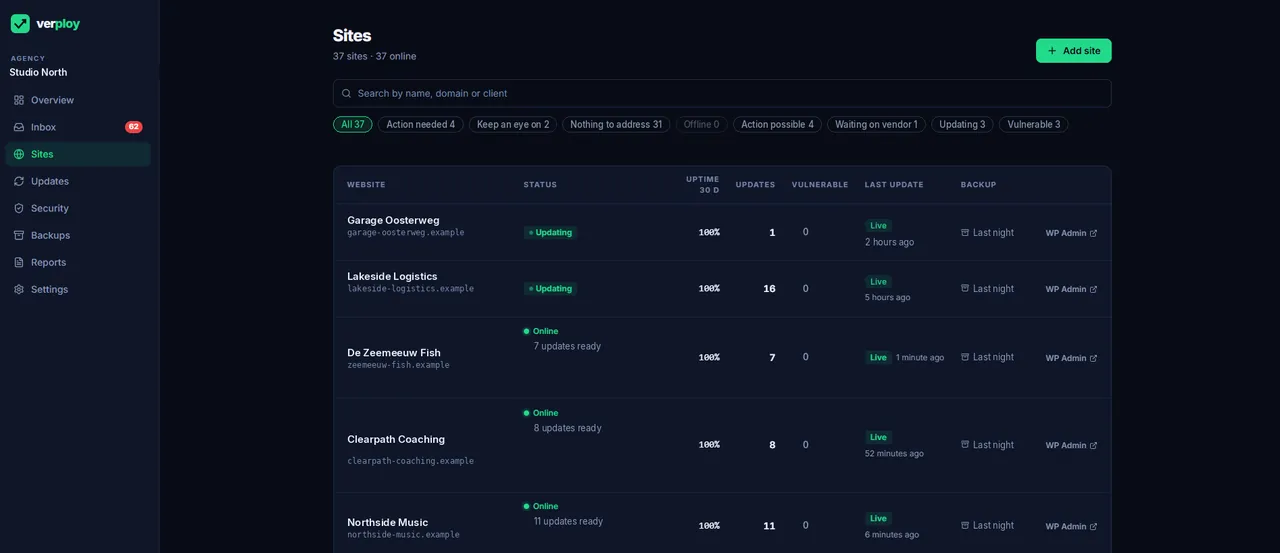
Premium plugins usually only hand out updates to the domain that holds the licence. Verploy therefore fetches the update file through the live site itself, using that site’s own licence. No shared licence keys, nothing to set up per plugin.
An honest reason when it does not work
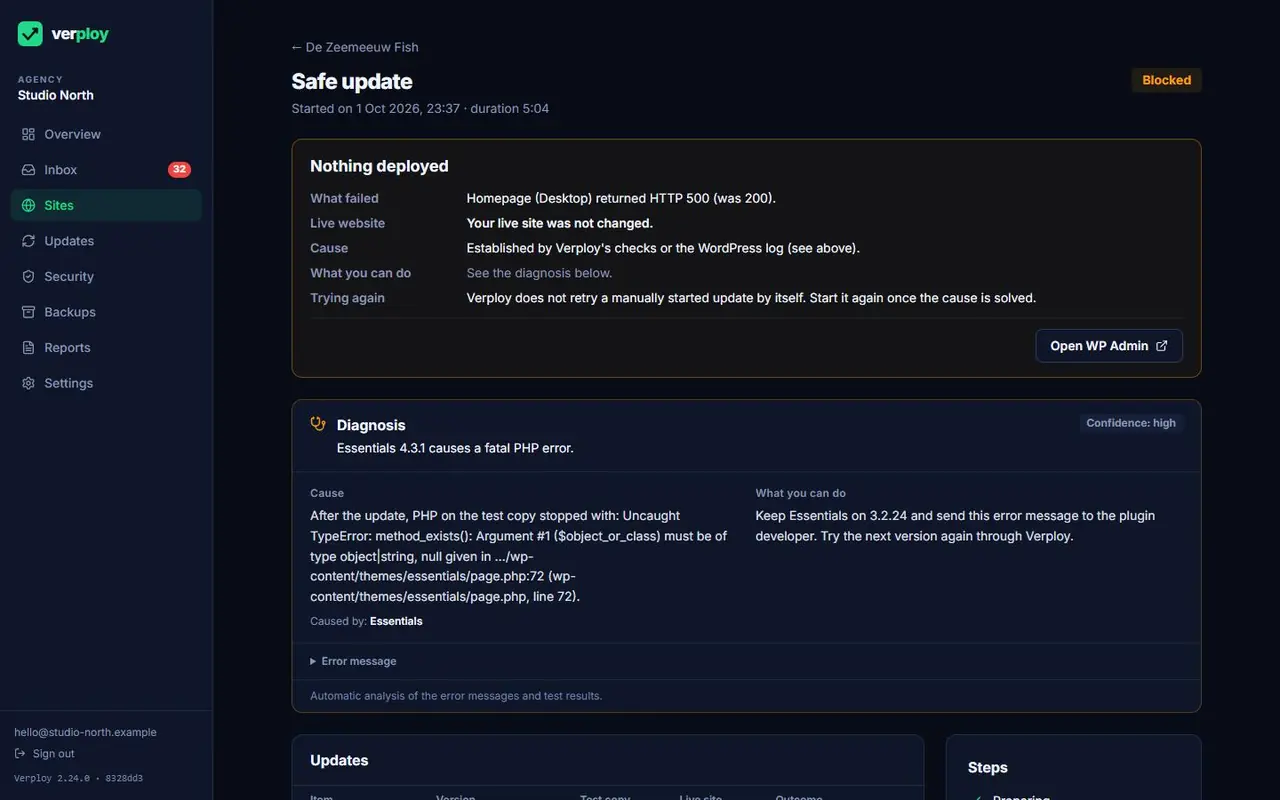
When an update cannot be fetched, Verploy tells you why, in plain words: the licence is not active, the plugin is part of a theme, or there is no update channel at all. Updates without a download file are marked “not available” instead of “held back”, so you know nothing broke.
One click to the licence page
Next to the reason is a button that logs you in to WP Admin with one click and opens the plugin’s licence page, without a password. Every login is recorded, and the site owner can switch this off in WordPress.
Upload a ZIP
No update channel? Upload the ZIP from the vendor. Verploy reads the version first, installs it through the normal safe update route and removes the ZIP afterwards.
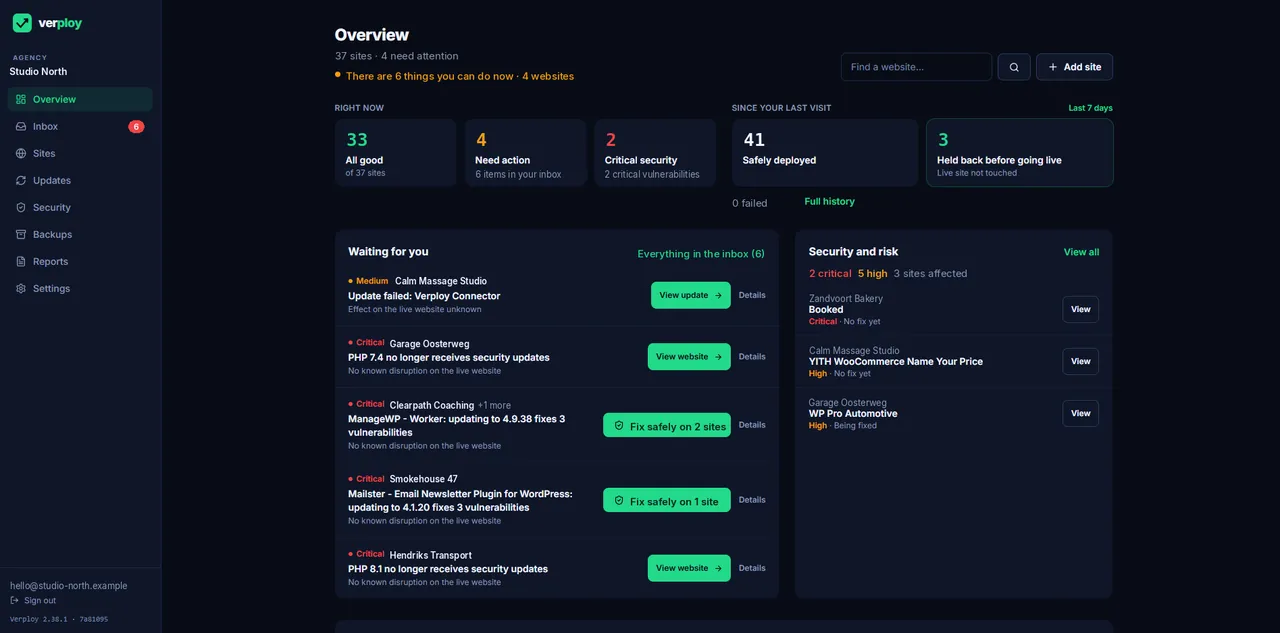
Want to see it on your own sites? Start free on up to 3 sites, no credit card.