Theme risk: why a vulnerable theme needs its own check
2 min readBy the Verploy team
A vulnerable plugin has two quick ways out: update it, or switch it off for a while. A theme in use has neither. The whole site depends on it, and the fix does not always arrive as a normal update. That is why, since version 2.75, Verploy looks at the active theme separately.
What Verploy looks at
- The theme the site actually uses, and for a child theme also its parent theme.
- Whether that theme has a known vulnerability without a fix.
- Whether the fix arrives through a normal update, or not, for example when the theme has its own update channel.
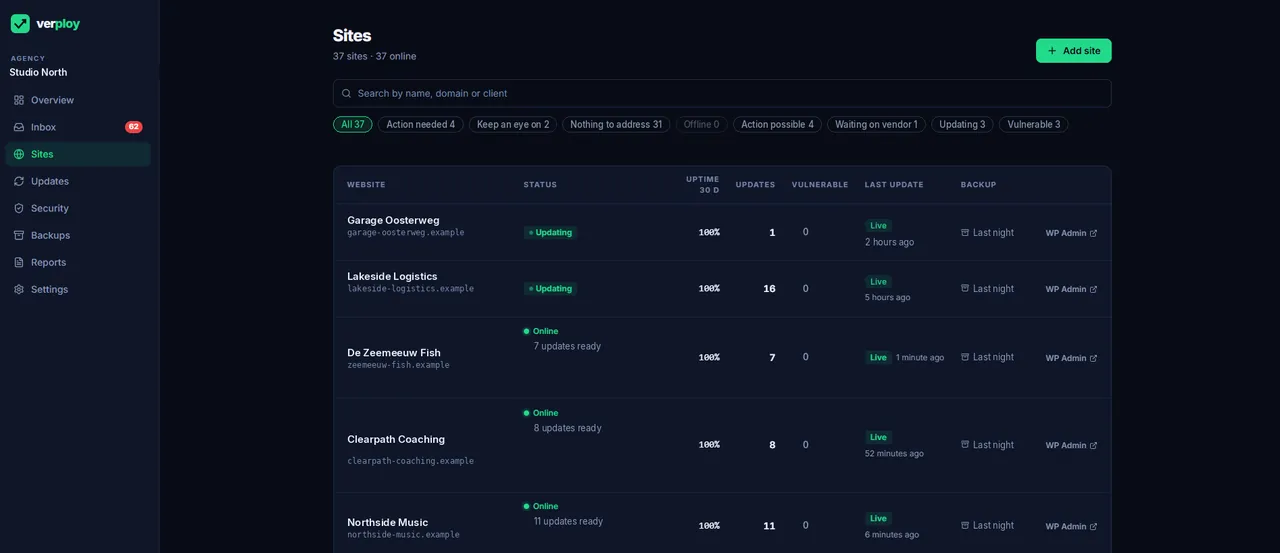
When one of these applies, the sites overview shows a Theme risk label on that site. The Theme risk filter shows all of those sites together, so you see in one place which client sites need a decision about their theme.
Custom themes get “check”, not an alarm
A custom theme sometimes has the same folder name as a known theme. A name alone does not prove a vulnerability. In that case Verploy says “check” instead of reporting one, so you can look for yourself before you say anything to a client.
What you can do next
Usually one of three things: update the theme when a fixed version exists, get the update from the theme vendor when it does not come through WordPress, or plan a move to a theme that is still maintained. The updates themselves follow the normal routine: every update is checked, and the risky ones are tested on a copy first.
Want to see it on your own sites? Start free on up to 3 sites, no credit card.