Download any backup, or keep one for a year
2 min readBy the Verploy team
A backup only helps if you can reach it when you need it. Verploy backs up every connected site every night, and since 2.43 you can also download any backup as a single file, or keep up to three backups per site for a full year.
What is in a backup
Each nightly backup holds the site’s files and its WordPress database. It is encrypted before it leaves the site and stored in the EU, away from the site’s own server. Regular backups are kept for 30 days, and you restore one with a single click from the site page. Email is not included: mailboxes live with your host, not in WordPress.
Download: your own copy, in one file
Choose “Download” next to a backup on the site page and you get one file with all of the site’s files and its database. The download link is valid for 24 hours. Handy when a client moves on, when a host asks for a copy, or when you simply want an archive in your own storage.
Keep one for a year
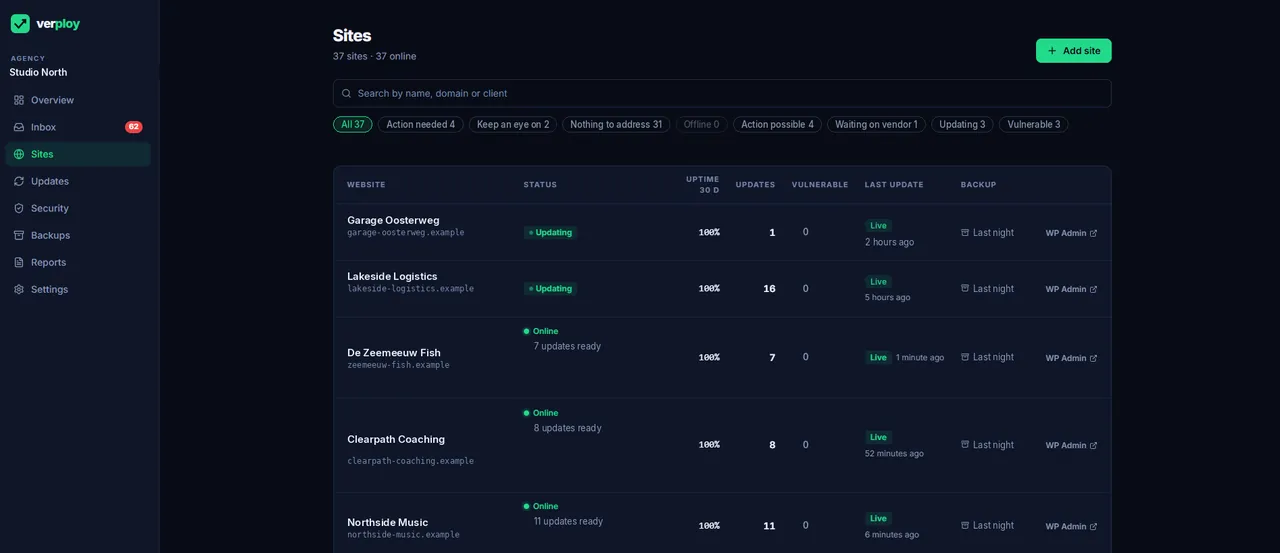
Thirty days covers most mistakes. It does not cover the redesign that starts in March and goes live in June. Mark up to three backups per site to keep for a full year, for example right before a big rebuild, a migration or the end of a contract. Regular backups still follow the 30-day cycle.
Why it matters this month
October showed again why the backup from before a problem counts. When a plugin download turns out to contain malware, or a remote management key is misused, the advice is the same: update, and if the site was touched, restore from a backup made before that window. That only works if the backup exists, is older than the problem and is stored away from the site. Before every update goes live, Verploy also makes a fresh backup of files and database, so a rollback never depends on last night’s copy.
The routine around it stays the same: every update is checked, and the risky ones are tested on a copy first.
Want to see it on your own sites? Start free on up to 3 sites, no credit card.