Held back or rolled back: what happens when an update goes wrong
2 min readBy the Verploy team
Updates go wrong. A plugin conflicts with a theme, a page builder changes its layout, a licence is missing. What matters is what happens next. In Verploy there are two outcomes when something is off, and they mean very different things.
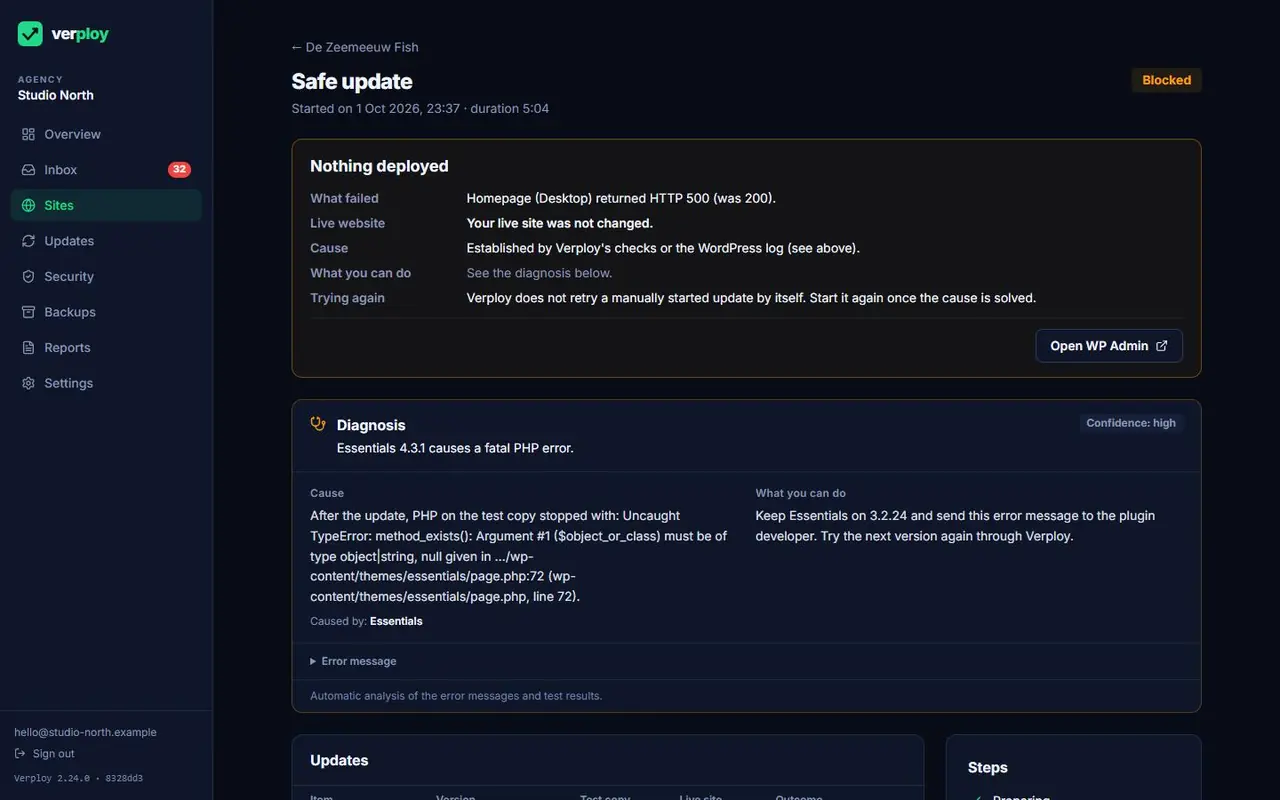
Held back: your live site was never touched
When an update fails on the test copy, Verploy holds it back. Nothing goes live and your live site stays exactly as it was. You get a plain-language explanation: what failed, how sure we are, the likely cause and what to do next, with the technical details folded away and cleaned of HTML, email addresses, keys and tokens.
Rolled back: back to how it was, automatically
Sometimes a problem only shows up after going live. Then Verploy rolls the site back to the version from before the update, automatically and without retrying. A rollback only counts as done after a check: the tested pages are loaded again and the installed versions of WordPress and the plugins are compared with the versions from before the update. If that check fails, you get an alert, never a message that all is well.
On sites with the data guard, orders and form entries made around an update are kept, even when the update is rolled back.
Problems that keep coming back
If a site has a known problem that is not caused by the update, such as a PHP version that is too old or a licence that is not active, Verploy no longer tries the same update again and again. It tells you once what blocks it and what fixes it.
Our goal is not to hold back as much as possible. It is to hold back only what would really break a site, and to let everything else go live by itself. We share how that is going in this blog.
Want to see it on your own sites? Start free on up to 3 sites, no credit card.