Status page, changelog and alerts: how we keep you informed
2 min readBy the Verploy team
If you trust a tool with your clients’ sites, you want to know when something changes, and you want to know it before your client does. These are the four places where Verploy tells you what is going on.
1. The status page
status.verploy.com shows whether the Verploy dashboard, this website, the nightly backups and the update worker are running, with the incident history. If something is wrong on our side, you see it there first.
2. The changelog
Every release of Verploy gets an entry on the changelog, usually on the day it goes live: what is new, what changed and what was fixed. When a feature needs a newer version of the Verploy Connector on your sites, the entry says so, because we roll connectors out in stages.
3. Alerts about your sites
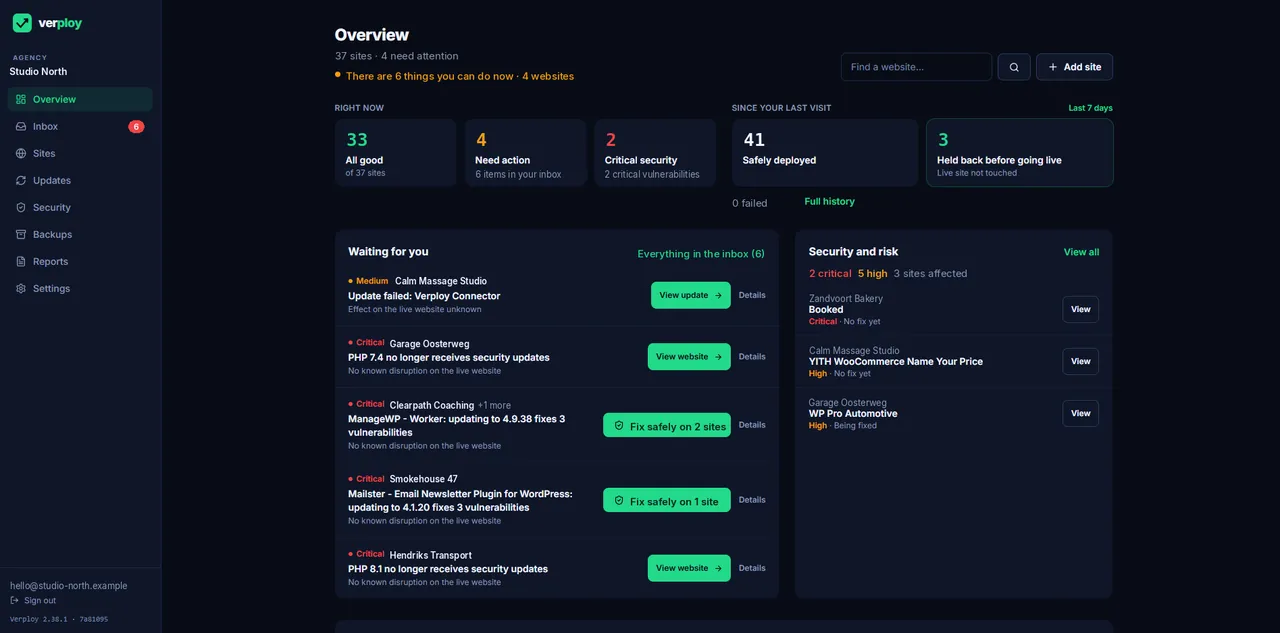
Inside Verploy you choose how you hear about your sites: by email, in Slack or through your own webhook. You get an email when an update is live. Webhooks are signed, so you can check that a message really came from Verploy.
4. This blog
The changelog says what changed. This blog says why, what we are working on now and what comes next. We post a few times a week.
Something missing, or something you want to know? Write to us. A person reads every message, usually within one working day.
Want to see it on your own sites? Start free on up to 3 sites, no credit card.